Drop any brand's logo straight into Webflow.
Search a company, grab its logo in the format you need and place it on the canvas without ever leaving the Designer.
Free to use · No account needed · Built by a studio that lives in Webflow
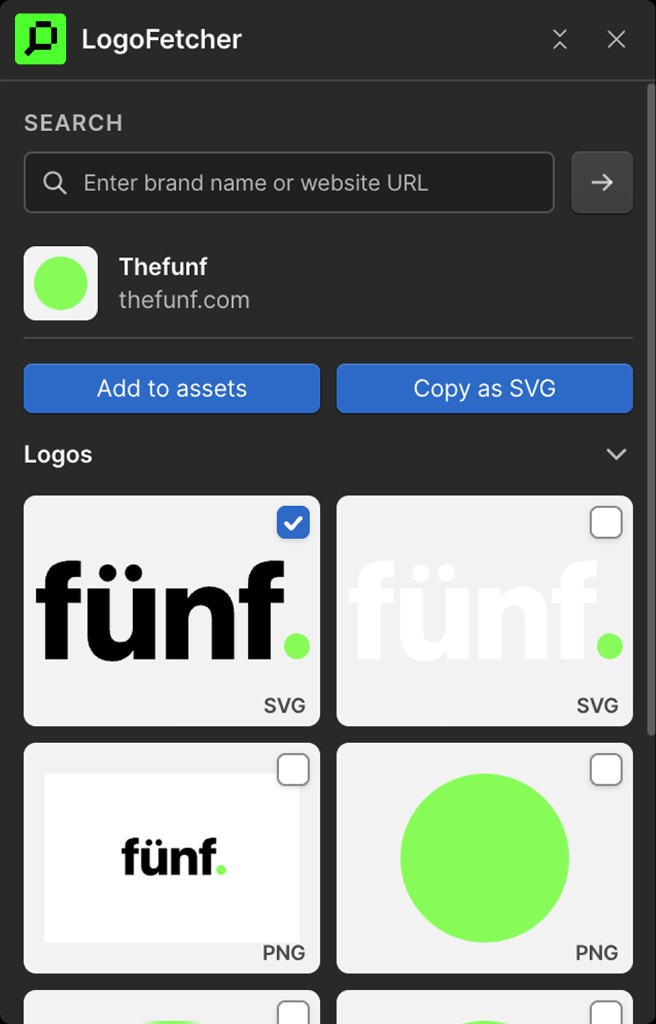
Three steps. No tab-switching.
The whole thing happens inside the Webflow Designer, right where you're already working.
Search
Type a brand name or URL like "logofetcher.com" or "stripe.com" and it finds the logo for you.
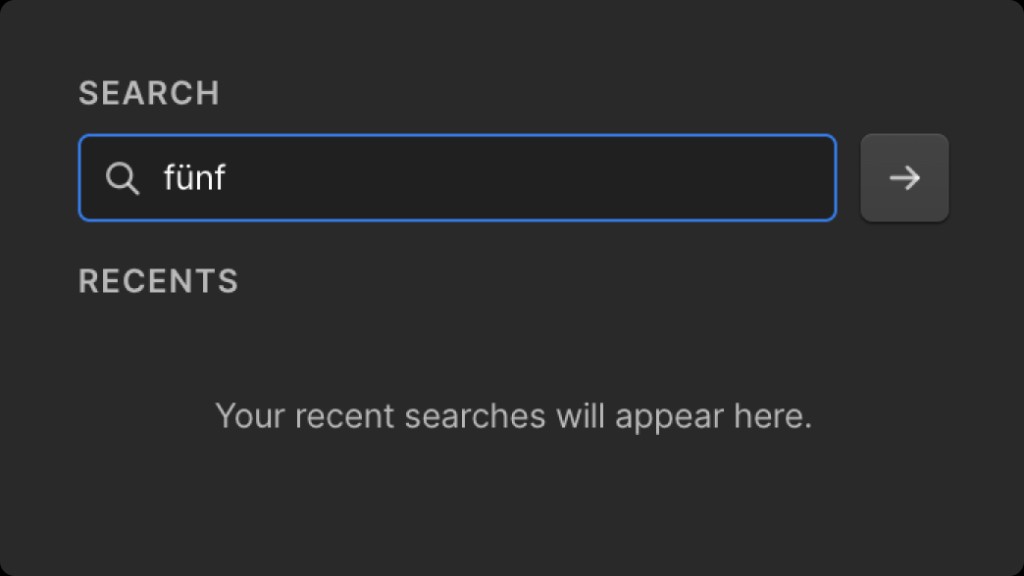
Pick the format
Choose the version you want in SVG, PNG, JPEG, WEBP, AVIF or GIF, straight from the brand's available logos.
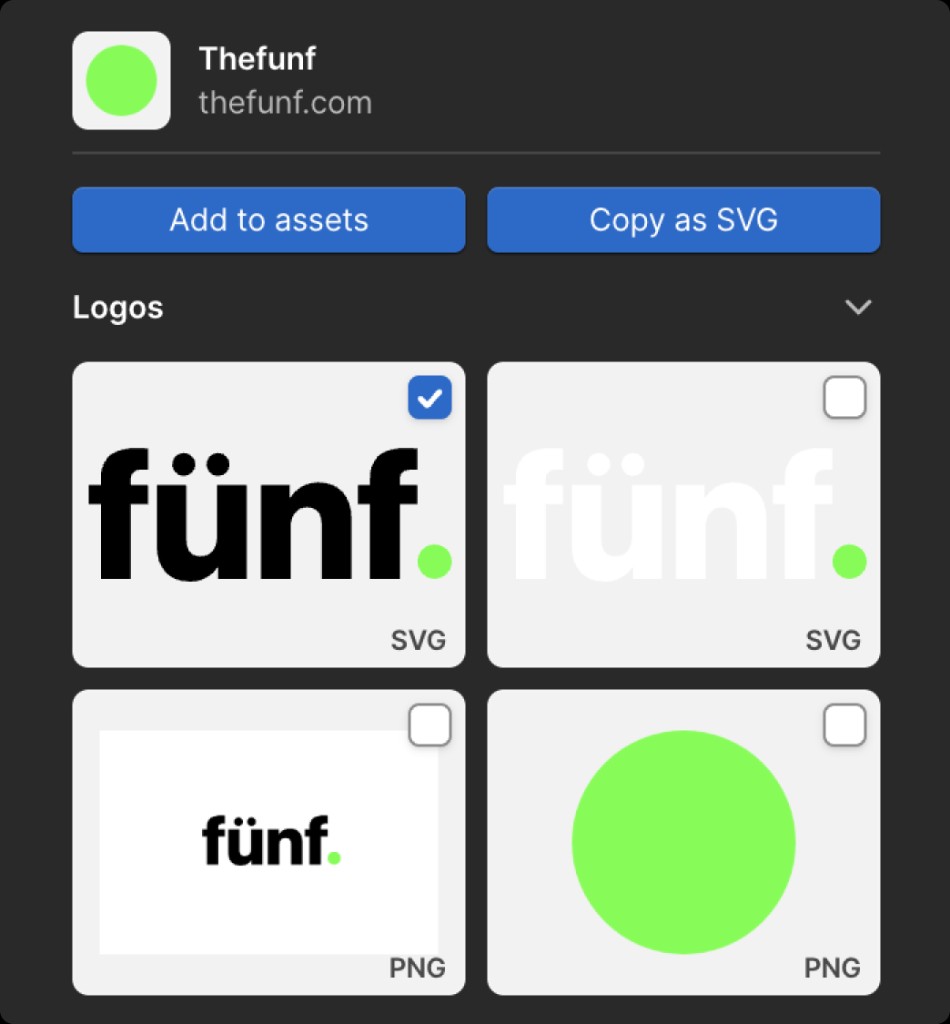
Insert
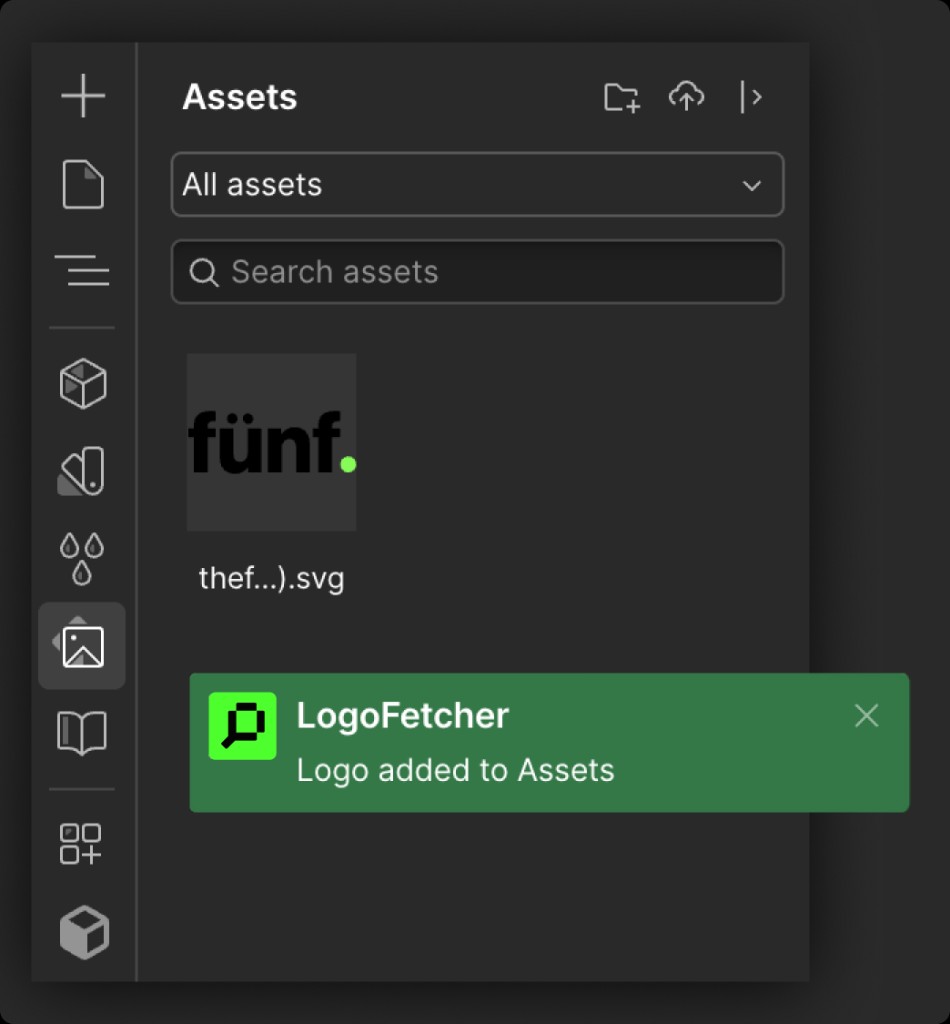
Send it straight to your Assets panel and it's ready to drop onto the canvas.
Everything you need to place a logo well.
No filler. Here's exactly what happens when you use it.
Insert without leaving Webflow
Logos land directly in your Assets panel. No exporting, no re-uploading, no detour through another tool.
Search by name or URL
Find a brand's logo from public sources without digging through their press kit.
Pick the format you need
SVG, PNG, JPEG, WEBP, AVIF or GIF. Grab whatever version of the logo the brand actually has.
We made it for our own projects.
We're fünf, a design and development studio that builds in Webflow every day. Hunting down a client's logo, finding a usable version, and getting it into the right format took more clicks than it should.
So we built a tool that does it in one place. We use it on real client work, so we figured you might want it too. It's free and we're still improving it. If something breaks or you wish it did one more thing, reach out at hello@thefunf.com.
Every brand logo on our last few Webflow builds went in through LogoFetcher. We don't differentiate clients as big or small. We take on projects we believe in and enjoy working on.
Web Design & Development Studio · 10+ years in the craft. Porto & Berlin.
Try it on your next build.
Add LogoFetcher to Webflow and place your first logo in under a minute.